


vMail MSG to PST Converter – Safely Convert MSG Files into Outlook PST
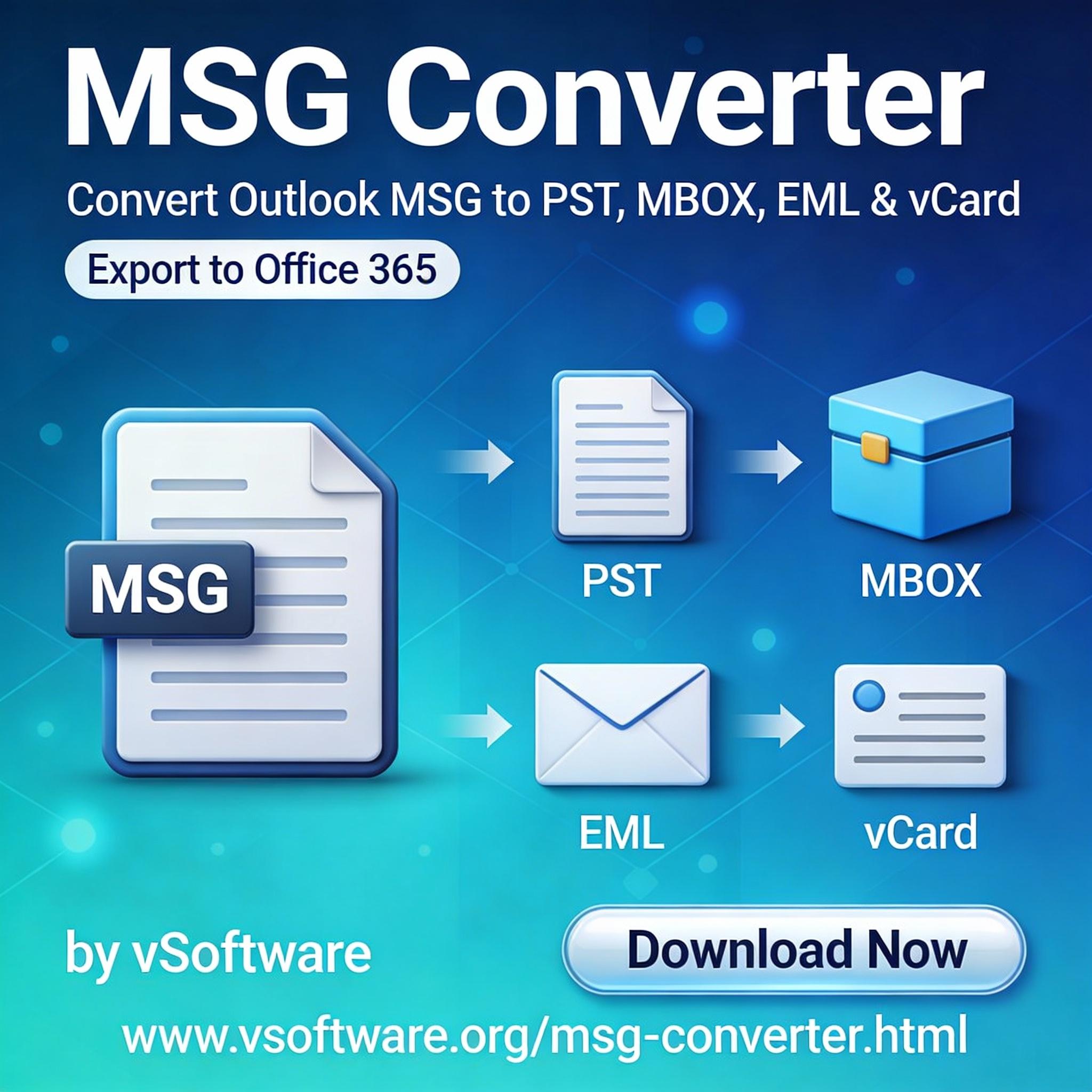
vMail MSG to PST Converter is designed to safely export Outlook MSG items into a single Outlook PST while preserving message properties and structure, making it useful for backups, archiving, and migrations. It also supports bulk conversion and can split large output PSTs for easier management during high-volume exports.
Understanding MSG and PST
MSG is an Outlook message file format commonly saved when users drag emails out of Outlook or export single items for sharing and record-keeping.
PST (Personal Storage Table) is Outlook’s primary data file used to store emails and other mailbox items locally, which makes it a practical target format when consolidating many individual MSG files into one organized container.
Why convert MSG to PST
Converting multiple MSG files into PST helps consolidate scattered emails into a single file that can be opened directly in Outlook for search, review, and long-term retention.
This is especially helpful when an organization needs to archive project communication, create a handover file for another user, or preserve historical mail outside a live mailbox.
What vMail MSG to PST Converter does
vMail MSG to PST Converter exports Outlook items from MSG into PST and supports message-related data such as emails, contacts, appointments, and tasks (depending on what’s stored in the MSG set being processed).
The tool is positioned for batch conversion scenarios, so users can add multiple MSG files or folders and process them together rather than handling items one-by-one.
For large datasets, it also highlights the ability to convert big MSG collections (noted up to 50 GB) and split output into smaller PST files to keep the resulting data easier to handle.
Key features that matter in real migrations
When evaluating any MSG to PST solution, the practical value comes from how well it maintains structure and reduces manual risk during conversion.
-Batch processing: Converts multiple MSG files and folders to PST in one operation, which reduces time spent on repetitive imports.
-Split PST output: Helps keep output PST files smaller and easier to store or move, which is useful when handling very large MSG collections.
-Multi-item support: Promotes exporting not only emails but also other Outlook-type items (contacts/appointments/tasks) found in MSG datasets.
-Windows compatibility: The listed system requirements indicate support across many Windows versions, including Windows 11, which fits most modern office environments.
How to use the tool (typical workflow)
Most MSG-to-PST conversions follow a straightforward sequence: select MSG source data, review what will be exported, choose PST as the destination, and run the conversion.
vMail’s product pages emphasize ease of conversion and the ability to handle bulk MSG selection, which aligns with this standard workflow for conversion utilities.
After conversion, the resulting PST can be attached in Outlook (Open/Import) for verification and ongoing access, which is usually the final validation step in an email archiving task.
Best practices for safe, reliable conversion
To keep conversions clean and audit-friendly, follow a few operational safeguards.
-Work on a copy of the MSG dataset (not the only copy), so original evidence/archive files remain unchanged if anything unexpected happens.
-Plan PST sizing in advance; if the MSG volume is high, use splitting to avoid oversized PST handling issues and simpler storage management.
-Validate results by spot-checking: open the PST in Outlook and verify a few emails for readable body content, correct timestamps, and expected grouping.
System requirements and deployment notes
The published requirements list Windows 11/10/8.1/8/7/Vista/XP, a Pentium-class processor, and modest disk space for installation (about 50 MB).
RAM requirements are also lightweight (minimum 128 MB, with higher recommended), which suggests it can run on older systems too, though modern conversions benefit from more memory and faster storage when processing large volumes.
 Italiano
 English
 Arabic
 French
 Spanish
 Portuguese
 Deutsch
 Turkish
 Dutch
Dutch
 Russian
 Romaian
 Portuguese (Brazil)
 Greek
Greek