


Export Exchange EDB Mailboxes to PST in a Few Clicks
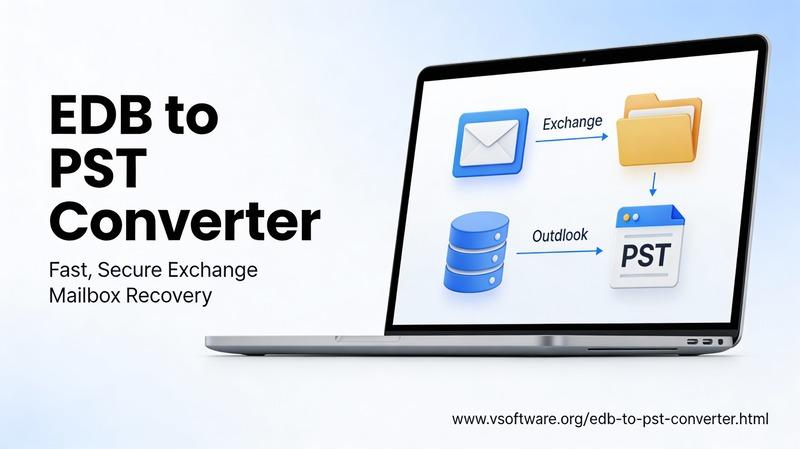
Exporting Exchange EDB mailboxes to PST is often required for backup, archiving, legal discovery, or migration—but the best approach depends on whether you have a running Exchange server or only an offline EDB file. This article explains both the built-in Exchange export method (for live mailboxes) and the “few-click” approach typically used when you need to extract data directly from an EDB file.
Why export EDB to PST?
An Exchange Database (EDB) file stores mailbox data on an Exchange Server, while a PST file is Outlook’s portable data file used for local storage, transfer, and archival.
Converting/exporting EDB mailboxes to PST is common when organizations need to move users to a new server/tenant, create a readable backup, or access mailbox content outside the Exchange environment.
Manual method (Exchange Server)
If the mailbox still exists on a working Exchange Server, Microsoft supports exporting mailboxes to PST using mailbox export requests.
This route is reliable for live environments, but it requires role assignment, a UNC network path for the output, and administrative access—so it’s not always the quickest option when time is limited.
Prerequisites to know
Before exporting, the account performing the export needs the Mailbox Import Export role assigned (it isn’t assigned by default).
Also, Exchange exports PSTs to a shared network location (UNC path), not to a local drive path like C:\PST.
Export via EAC (GUI)
In Exchange Admin Center (EAC), admins typically go to Recipients → Mailboxes, use “More options,” and choose “Export to a PST file,” then specify the UNC path where the PST will be written.
This is convenient for one-off exports, but it still depends on a healthy Exchange environment and correct permissions.
Export via PowerShell (fast and scalable)
For a single mailbox, Exchange provides the New-MailboxExportRequest approach to export mailbox content to a PST stored at a UNC path.
PowerShell becomes especially useful for bulk exports, because administrators can script requests for multiple mailboxes rather than exporting one mailbox at a time in the GUI.
“Few-clicks” approach (EDB to PST converters)
The manual Exchange export works well when the server is available, but it doesn’t solve the classic EDB problem: “Only the database file is available (offline EDB), or the server is down, decommissioned, or inaccessible.”
That’s where EDB-to-PST converter tools are commonly used—they load an EDB file, enumerate mailboxes, allow preview/selection, and export to PST with minimal steps.
What “few clicks” typically looks like
Most EDB-to-PST tools follow a similar workflow: add/select the EDB file, scan and load mailboxes, choose mailboxes/folders, select PST as output, pick a destination, and run export.
Many also emphasize granular selection (specific folders/items) and mailbox preview before exporting to PST, which helps reduce mistakes and limits exported data to what’s actually needed.
Features to look for
When choosing an EDB-to-PST exporter, these are the capabilities that matter most in real-world Exchange projects:
-
Bulk mailbox export and selective export (mailbox/folder/item level).
-
Filtering/search (by sender, subject, date, and other criteria) to reduce PST size and export only relevant data.
-
Preservation of folder hierarchy and mailbox structure during export to avoid rework in Outlook.
-
Handling large exports (splitting PSTs, incremental export, or performance-conscious processing for big databases).
Best practices for accurate PST exports
Always verify the output by opening the PST in Outlook (or a PST viewer) and checking folder counts, date ranges, and a few random items with attachments to ensure data integrity.
For bulk operations, keep a consistent naming convention (e.g., alias-based PST naming) and store exports on secured storage with least-privilege access, since PST files can contain sensitive data.
Common issues and quick fixes
If exports fail in Exchange Server, it’s often due to missing permissions/role assignment or an incorrect/inaccessible UNC path.
If the Exchange server isn’t available (or the EDB is offline), a converter-based workflow is usually more practical than trying to restore an entire Exchange environment just to run a mailbox export.
If a specific tool name/brand needs to be used in the article (for example, your company’s product), share the tool’s key features and supported Exchange versions, and the content can be tailored to match your landing page and keyword strategy.
 Russian
 English
 Arabic
 French
 Spanish
 Portuguese
 Deutsch
 Turkish
 Dutch
Dutch
 Italiano
 Romaian
 Portuguese (Brazil)
 Greek
Greek