


Choosing the Right Card Printer: A Complete Guide to Printing Plastic ID Cards In-House
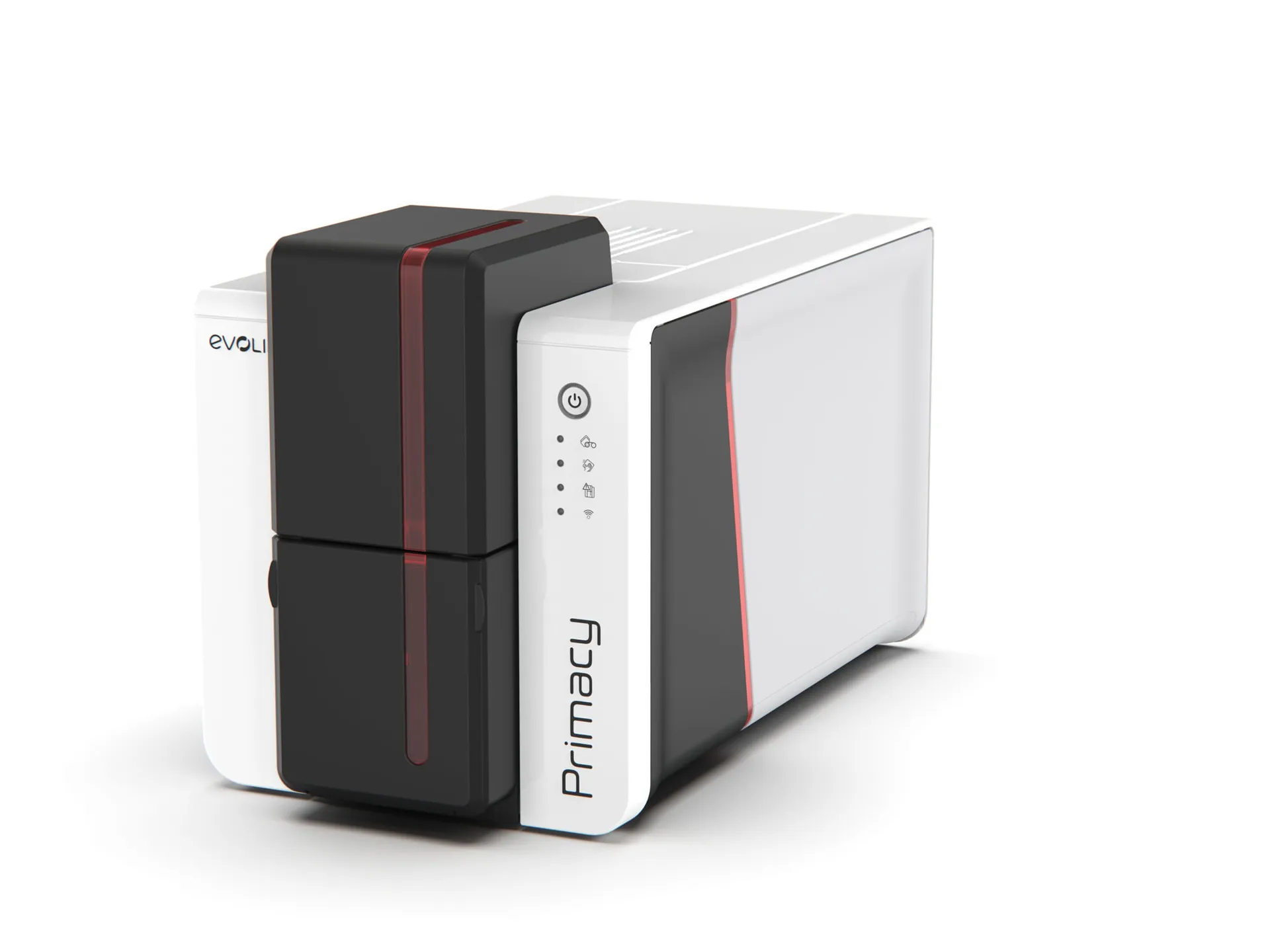
Today, identification cards are essential across nearly every industry. Whether a business needs employee badges, student IDs, access cards, membership passes, visitor credentials, or loyalty cards, plastic IDs have become a core part of modern operations. Because of this, many organizations are now realizing the advantages of producing cards internally rather than relying on third-party printing services. With the right card printers, any organization can create professional ID cards instantly and at low cost — without outsourcing delays or minimum order requirements.
Selecting the best printer for plastic cards can feel overwhelming for first-time buyers. Every model has different specs, print speeds, security capabilities, and price points. This guide explains what businesses should look for in an id card printer, how in-house printing cuts costs, and which features matter most for long-term value.
Why Print ID Cards In-House?
Outsourcing card production may seem convenient at first, but it comes with limitations:
-
High fees — especially for small orders
-
Shipping delays and long turnaround times
-
Difficulty issuing replacement or temporary badges
-
No flexibility for sudden role or access changes
With in-house equipment like modern card printers, organizations gain full control over badge creation. A professional printer for plastic cards can produce full-color PVC cards in minutes — meaning badges are ready at onboarding, during student enrollment, or right at a gym membership desk.
Benefits of internal printing include:
-
Faster issuance and smooth workflow
-
Improved branding and customization
-
Lower long-term costs
-
Instant badge replacement when lost or damaged
-
Increased security through on-site control
For organizations with evolving personnel, frequent visitors, or membership turnover, an id card printer becomes a highly efficient tool.
Key Features to Compare When Selecting Card Printers
Because the market offers many choices, a structured comparison helps buyers identify the right solution. Below are the most important factors to evaluate.
1. Print Resolution & Color Quality
Badges represent your brand. A high-quality printer for plastic cards should be capable of:
-
Sharp text and barcodes
-
Natural-looking photos
-
Accurate brand colors
-
Crisp security icons
Entry-level printers often offer 300 dpi, while premium models provide enhanced image processing for more vivid color saturation.
2. Card Thickness & Material Compatibility
Most card printers support standard 30-mil PVC cards, but some organizations require additional options such as:
-
Slim cards for visitor passes or luggage tags
-
Thick cards for payment chips or smart cards
-
Adhesive cards for temporary use on access keys
Compatibility ensures cards match your security system and cardholder accessories.
3. Encoding & Security Features
An id card printer can be more than just a visual ID system. Many organizations need encoded cards for access control.
Popular encoding options include:
-
Magnetic stripe encoding
-
RFID and smart chip technology
-
Barcode + QR compatibility
-
UID numbering and serial generation
Businesses with door access systems, time-tracking, or membership check-ins should prioritize encoding features.
4. Print Speed & Volume Requirements
Output volume determines which model fits your workflow:
|
Organization Type |
Recommended Printer |
|
Small office with occasional badges |
Entry-level card printer |
|
Medium-sized school or gym |
Mid-range model with auto-feed |
|
Large company, hospital, or university |
High-volume industrial printer |
A fast printer for plastic cards reduces waiting time during large enrollment periods, employee onboarding waves, or big events.
5. Software & Design Flexibility
Reliable card design software is essential for easy badge production. Look for:
-
Templates for staff, student, and membership IDs
-
Drag-and-drop layout features
-
Photo import functionality
-
Barcode/QR generator
-
Database integration for batch printing
User-friendly software ensures any trained staff member can operate the id card printer without graphic design skills.
6. Total Cost of Ownership (TCO)
While the initial purchase is important, long-term cost matters more. Organizations should evaluate:
-
Ribbon and consumable costs
-
Cost per printed card
-
Durability of printed output
-
Maintenance needs
A slightly higher-priced card printer may save thousands over time if it has affordable supplies and durable print results.
Industries That Benefit Most from Internal ID Card Printing
In-house printing has become common across many industries, including:
|
Sector |
Card Type |
|
Education |
Student IDs, library cards, dorm access |
|
Corporate |
Employee badges, secure access cards |
|
Gyms & Clubs |
Membership cards, guest passes |
|
Hospitality |
Staff badges, event & conference passes |
|
Healthcare |
Patient tags, visitor IDs |
|
Retail |
Loyalty & rewards cards |
This flexibility is why the demand for printer for plastic cards continues to rise globally.
How Many Cards Do You Print Per Month? The Most Important Question
Every organization should estimate monthly and yearly printing volume. That makes it easier to match the right id card printer model.
Examples:
|
Cards per month |
Recommended printer |
|
10 – 50 |
Basic entry-level printer |
|
50 – 300 |
Mid-range automated printer |
|
300+ |
High-volume printer with batch feed |
Choosing the right category prevents bottlenecks and ensures cost-efficient badge production.
Final Thoughts
In-house badge production has become a valuable asset for organizations across every industry. With modern card printers, businesses can produce secure PVC ID cards instantly, without outsourcing delays or expensive minimum orders. A professional printer for plastic cards offers complete control over branding, security, and badge replacement — while lowering long-term operating costs. By evaluating print resolution, encoding features, card compatibility, software, durability, and total cost of ownership, every organization can confidently select an id card printer that meets their current needs and scales with future growth.
Whether for onboarding, security, membership, or access management, the right card printer isn’t just an office tool — it’s a long-term investment in professionalism, efficiency, and operational continuity.
 Italiano
 English
 Arabic
 French
 Spanish
 Portuguese
 Deutsch
 Turkish
 Dutch
Dutch
 Russian
 Romaian
 Portuguese (Brazil)
 Greek
Greek