


How to Add Text to Video for Social Media and Convert Long Clips
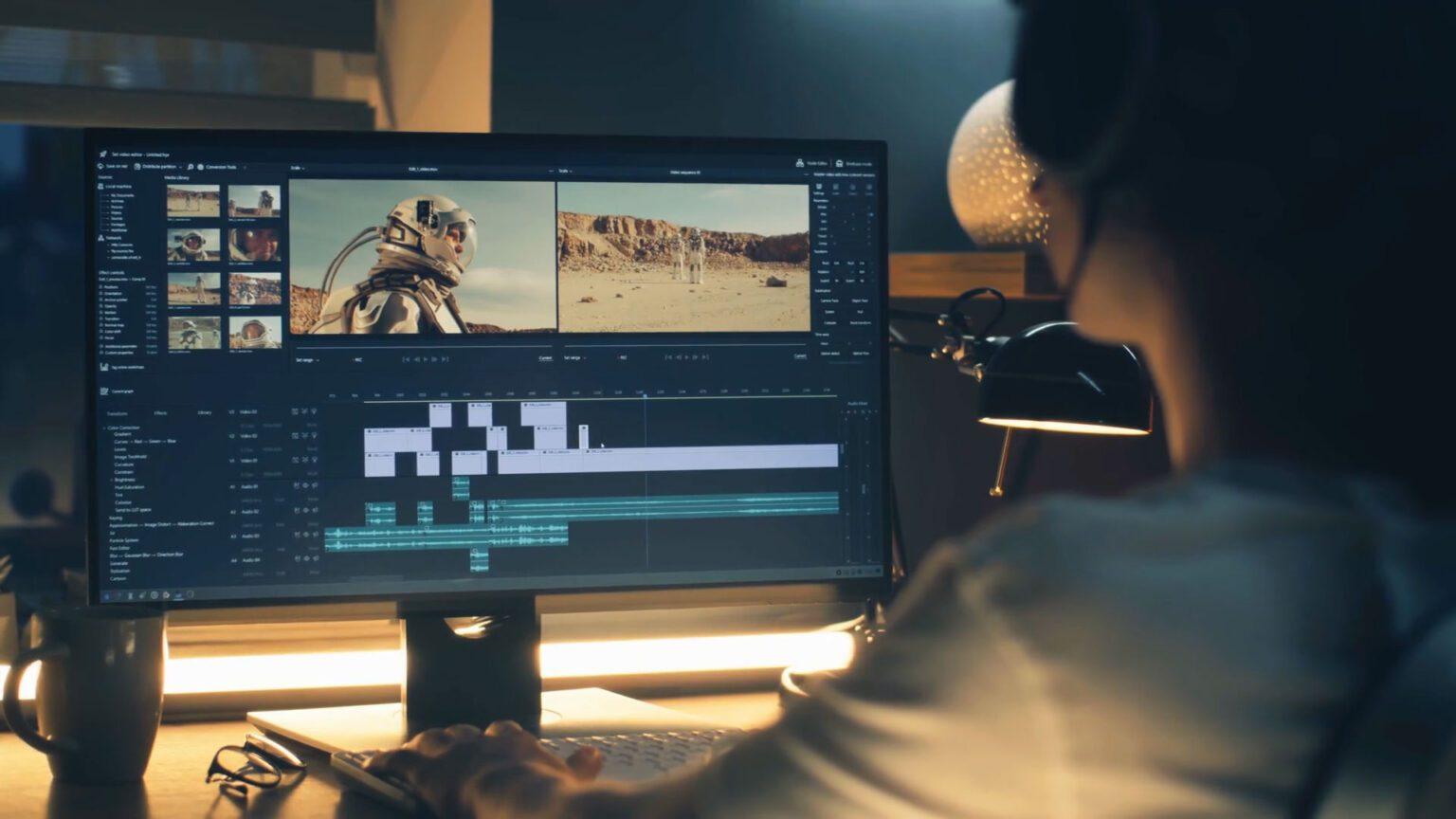
Social media platforms thrive on short-form video content, and one way to maximize engagement is by adding text to your videos. Whether it's for captions, titles, or annotations, text overlays enhance your videos, make them more accessible, and increase their overall impact.
However, long videos don’t always fit the fast-paced nature of social media. That's where Longshort Clip comes in—a powerful, user-friendly tool designed to help you add text to video and convert long clips into snappy, shareable videos for your audience. Whether you’re creating Instagram Reels, TikTok videos, or YouTube Shorts, Longshort Clip streamlines the process, saving you time while making your content more engaging.
Why Adding Text to Video is Key for Social Media
In today’s digital world, videos with text overlays are a must for social media marketing. Here’s why adding text to your video is so crucial:
-
Increased Engagement: Videos with text tend to grab attention faster, especially when they have a compelling call-to-action (CTA) or emphasize key points. Text on video allows viewers to quickly understand the message, even if they’re scrolling without sound.
-
Boosted Accessibility: Not everyone watches videos with the sound on. Adding captions or subtitles ensures that your content is accessible to a wider audience, including those who are hearing impaired or watching in sound-off mode.
-
Improved Retention: Text on videos helps reinforce your message. It highlights important moments, making your video easier to follow and encouraging viewers to watch all the way through.
-
Better for Algorithms: Platforms like TikTok, Instagram, and Facebook favor videos that hold the viewer's attention. Videos with text overlays are more likely to get engagement, which boosts your chances of appearing on the platform's algorithm, leading to more views.
How to Add Text to Video and Convert Long Clips with Longshort Clip
Longshort Clip is an intuitive tool that makes it easy to add text to video and shorten long clips for social media. Here's a simple guide to help you get started:
Step 1: Upload Your Video
The first step is to upload the video you want to edit. Longshort Clip supports various video formats, so you can easily import your content. Whether it’s a vlog, tutorial, or product review, the platform accepts videos of all types and sizes.
Step 2: Add Text to Your Video
Once your video is uploaded, it’s time to add text overlays. Longshort Clip gives you complete control over your video’s text, allowing you to add:
-
Captions/Subtitles: These are essential for making your videos accessible and enhancing viewer retention. Simply type out your script, and the tool will help you sync it with the video.
-
Titles/Headlines: Add text at the beginning of your video or between segments to introduce new topics, grab attention, or emphasize key ideas.
-
Annotations and Call-to-Actions (CTAs): Place CTAs like “Follow us,” “Click the link below,” or “Swipe up” at strategic points in the video to drive more actions and engagement.
The best part? You can fully customize the text: choose fonts, colors, sizes, and even apply text animations. Whether you're adding a fun animation to your CTA or choosing a sleek, professional style for your captions, Longshort Clip ensures your text enhances your video’s vibe.
Step 3: Trim and Shorten Your Video
Once you've added text to your video, the next step is to shorten it for social media. Longshort Clip makes it easy to convert long clips into short, punchy videos that are perfect for sharing.
Here’s how to do it:
-
Trim the Video: Use Longshort Clip’s trimming tool to remove any unnecessary parts from your video. Cut out long intros, pauses, or repetitive content to focus on the key moments.
-
Split and Merge: If you have a long video with several important points, you can split it into multiple short clips and reassemble them into a single video. This is perfect for creating content for different social platforms or breaking a longer video into bite-sized moments.
-
Optimize Length: Whether you’re targeting TikTok’s 60-second format, Instagram Reels’s 90-second max, or YouTube Shorts’ 60-second format, Longshort Clip helps you get your video to the ideal length in just a few clicks.
Step 4: Preview and Export Your Video
After adding your text and shortening the video, it’s time to preview your work. Check the timing of the text, ensure that it’s easy to read, and make sure the video flows smoothly. Once you're happy with the result, hit export, and Longshort Clip will prepare your video for download or direct upload to social media.
Longshort Clip allows you to export your video in various formats, making it easy to post across platforms without worrying about compatibility.
Benefits of Using Longshort Clip for Social Media Video Editing
-
60 Free Credits to Get Started: Longshort Clip offers 60 free credits to try the platform before committing to a paid plan. This allows you to explore all the features without any initial investment.
-
User-Friendly: No complex editing software required. With Longshort Clip’s intuitive interface, you can add text to your video and shorten clips quickly and easily, even if you’re a beginner.
-
Customizable Text: Choose from a variety of fonts, colors, and animations to match your brand or style.
-
Optimized for Social Media: Whether you’re posting to Instagram, TikTok, or YouTube, Longshort Clip ensures your videos are the perfect length and format for each platform.
-
Time-Saving: Quickly trim and edit your videos without spending hours on complicated software, leaving you more time to focus on creating new content.
Conclusion
If you’re looking to add text to your videos and convert long clips into short, engaging content for social media, Longshort Clip is the tool for you. Its easy-to-use platform, combined with powerful features like text customization and video trimming, makes it the perfect solution for creating professional-quality social media videos. Plus, with 60 free credits to get you started, you can try out the tool without any commitment.
Start editing today and take your video content to the next level with Longshort Clip—your go-to tool for social media video editing!
 Dutch
Dutch
 English
 Arabic
 French
 Spanish
 Portuguese
 Deutsch
 Turkish
 Italiano
 Russian
 Romaian
 Portuguese (Brazil)
 Greek
Greek