


How to Fix Rainbow Six Siege Driver Load Error
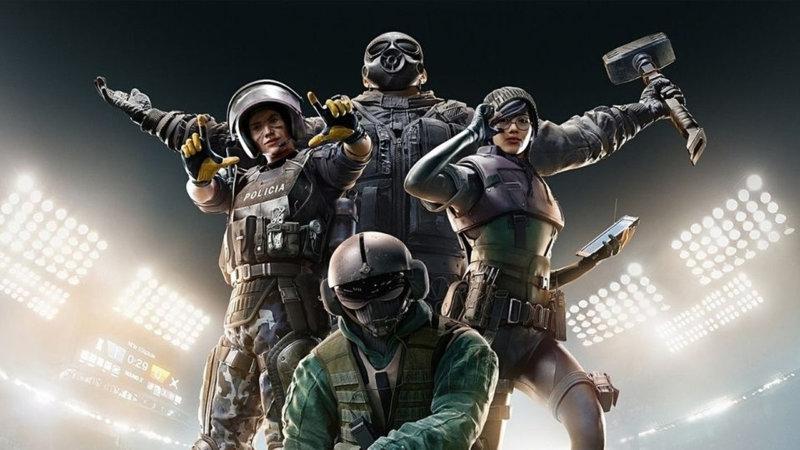
Rainbow Six Siege, developed and published by Ubisoft, is one of the most popular tactical shooter games available today. It has been released across multiple platforms, including PlayStation, Xbox, and PC, captivating a global audience with its intense, strategy-driven gameplay. However, some players encounter the frustrating "Driver Load Error" that can disrupt their gaming experience. Don't worry; we've compiled some solutions to help you get back into the game.
Fixing Rainbow Six Siege Driver Load Error
Basic Attempts:
CMD Commands: Run CMD as an administrator and enter the commands netsh winsock reset and bcdedit /set testsigning off. Press Enter and restart your computer.
Intermediate Attempts:
Check Security Software: Ensure that any security software (like antivirus programs) running on your system is not blocking the required services. Specifically, check the files in the "BattlEye" directory (typically found at "C:\Program Files (x86)\Common Files\BattlEye"). The files to focus on are BEService.exe and BEService_x64.exe. You may need to add them to your security software's whitelist.
Permissions Issues: If you're not using any security software or the above steps didn't help, it might be a permissions issue with your BE services or files in the BE service directory. Delete the BE service directory (usually located at "C:\Program Files (x86)\Common Files\BattlEye") and restart the game.
Advanced Attempts:
Uninstall Security Controls: Remove all security controls, such as antivirus software and malware removal tools. Then, follow these steps:
Uninstall any security software and reboot your system.
Navigate to the uPlay application, right-click, find the file location, and double-click Uninstall. Ensure you check any English prompts during the process.
Go to your Steam folder (steam\steamapps\common\Tom Clancy's Rainbow Six Siege\BattlEye) and delete the BattlEye folder.
Run CMD as an administrator and enter the commands netsh winsock reset and bcdedit /set testsigning off.
In Steam, right-click on the game, select Properties, go to Local Files, and Verify Integrity of Game Files. If any errors are detected, reboot your computer and verify again.
After verification, click Start Game in Steam. This will create a new uPlay shortcut on your desktop. Reboot your computer, open the uPlay desktop icon, and let it update and install. After it's done, right-click the small icon in the system tray and exit. Start the game through Steam.
Addressing Network Issues in Rainbow Six Siege
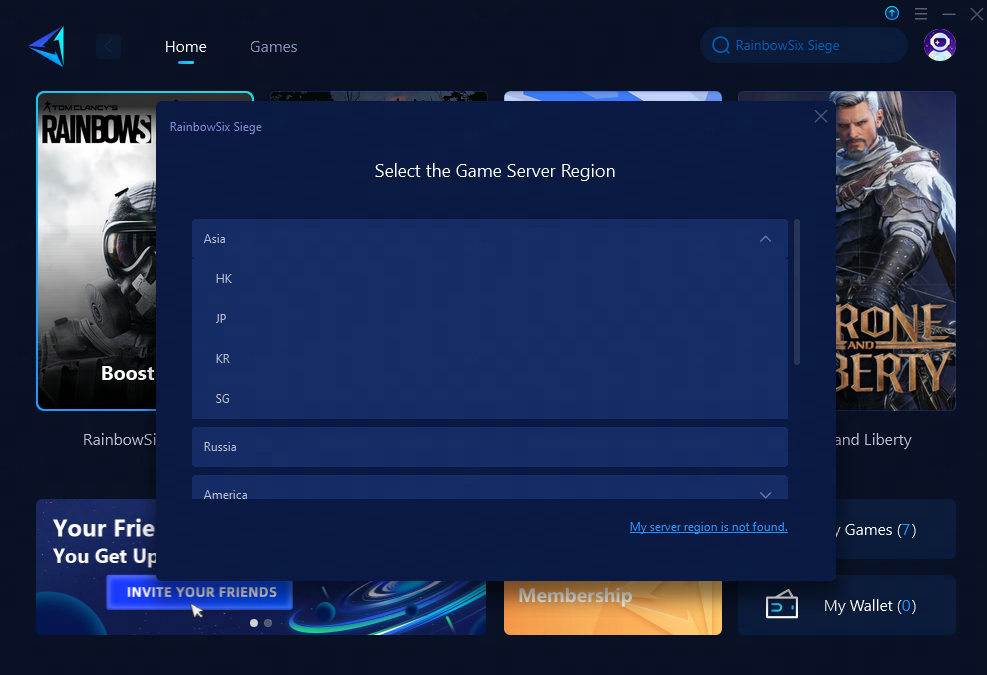
It is worth mentioning that the Driver Load Error is not the only issue players need to worry about. Various other errors can occur in the game, such as Rainbow Six Siege high ping and latency caused by network problems, as well as different error codes. Many players are searching for effective game VPN solutions to address these issues. In fact, this is indeed a good approach because, as everyone knows, many of Rainbow Six Siege's problems are closely related to network performance. In most cases, optimizing your network can significantly help resolve these issues. However, we do not recommend that non-professionals manually change their network configurations. Using specialized tools is the safest and most effective way.
Conclusion
We hope these solutions help you resolve the "Driver Load Error" in Rainbow Six Siege, allowing you to enjoy seamless gameplay. Whether you're facing high ping, latency issues, or other network-related problems, remember that using effective tools can make all the difference. Dive back into the action and become the tactical expert you were meant to be.

 English
 French
 Spanish
 Portuguese
 Deutsch
 Turkish
 Dutch
Dutch
 Italiano
 Russian
 Romaian
 Portuguese (Brazil)
 Greek
Greek