


How to Fix Mouse Lag in Rainbow Six Siege
Rainbow Six Siege, developed by Ubisoft, is a highly tactical shooter game known for its intense strategic gameplay and realistic mechanics. The game demands high precision and quick reactions from players, making any form of mouse delay particularly frustrating. If you're experiencing mouse lag in Rainbow Six Siege, don't worry—we've compiled some solutions to help you out.
Fixing Mouse Lag in Rainbow Six Siege
It's important to note that these solutions may not work for every player, as mouse lag can stem from various issues.
Mouse lag in Rainbow Six Siege typically manifests in three ways:
Delayed Response: When you move your mouse in a circular motion quickly and then stop, the in-game cursor takes 1-2 seconds to stop.
Stuttering or Drag: During close combat, your mouse feels like it's stuck or suddenly stops moving.
Frame Skipping: Quick mouse movements fail to accurately aim, causing your cursor to jump around (often related to hardware limitations and can be mitigated by upgrading your CPU).
Here are some tried-and-true methods to tackle these issues:
Change Display Mode: Switch the game to full-screen mode. If you're already using full-screen, try switching to borderless windowed mode to see if it helps.
Enable V-Sync: Turn on single-frame vertical sync. This setting can be especially useful for 144Hz monitors, providing more stable or higher frame rates, and it might even solve frame skipping problems.
While these methods may help, most mouse lag issues are related to your computer's configuration or your mouse's polling rate.
Computer Configuration: Mouse lag is often tied to CPU performance. Upgrading to a high-end CPU like an Intel i7 could resolve many issues.
Mouse Polling Rate: Many standard mice lack drivers that allow you to change the polling rate, which is often set to a default of 500Hz. Upgrading to a gaming mouse with adjustable polling rates can also make a significant difference.
Addressing Network Lag in Rainbow Six Siege
Apart from mouse lag, many Rainbow Six Siege players are also plagued by network latency issues. High ping is a common problem, causing the game to stutter unexpectedly and leading to lost matches. Contrary to popular belief, these issues are not always due to Rainbow Six Siege server problems. The complex nature of network environments is a significant factor, and resolving these issues can be challenging for non-professionals.
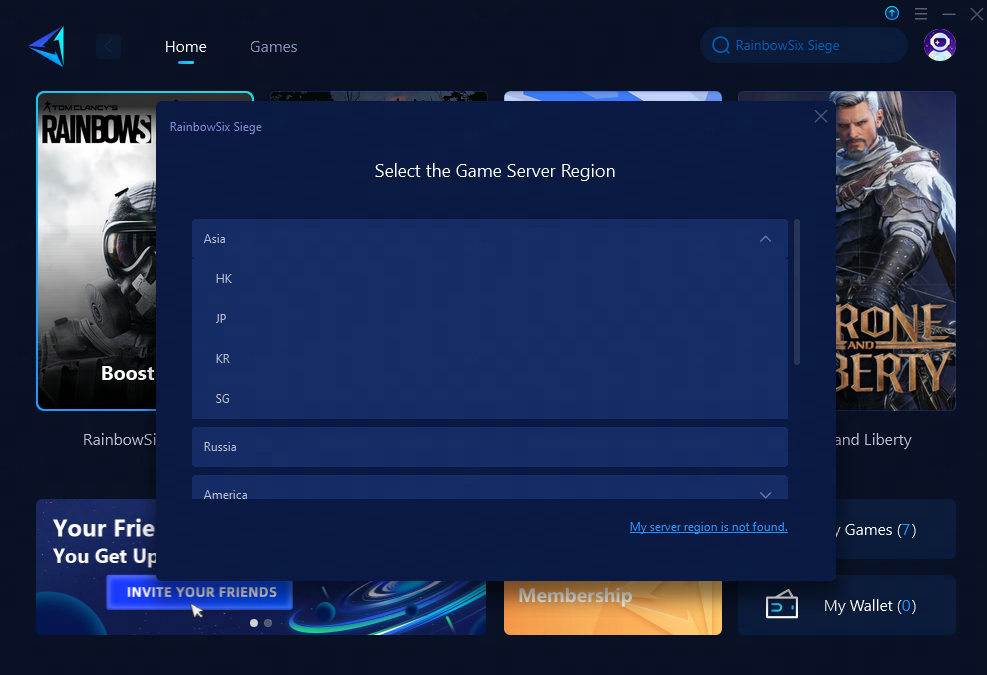
One of the best solutions is to use a game VPN like GearUP Booster. These smart tools no longer require manual network configuration adjustments, making them both safe and effective. GearUP Booster, for example, has received numerous accolades from players for significantly improving game performance.
Conclusion
We hope these solutions help you resolve mouse lag in Rainbow Six Siege, allowing you to enjoy a smoother and more responsive gaming experience. Whether you're dealing with hardware limitations or network-related issues, taking the proper steps can greatly enhance your gameplay. Dive back into the action and show your tactical prowess without any technical hindrances.
 Deutsch
 English
 Arabic
 French
 Spanish
 Portuguese
 Turkish
 Dutch
Dutch
 Italiano
 Russian
 Romaian
 Portuguese (Brazil)
 Greek
Greek