


How to Optimize Fortnite Graphics Settings
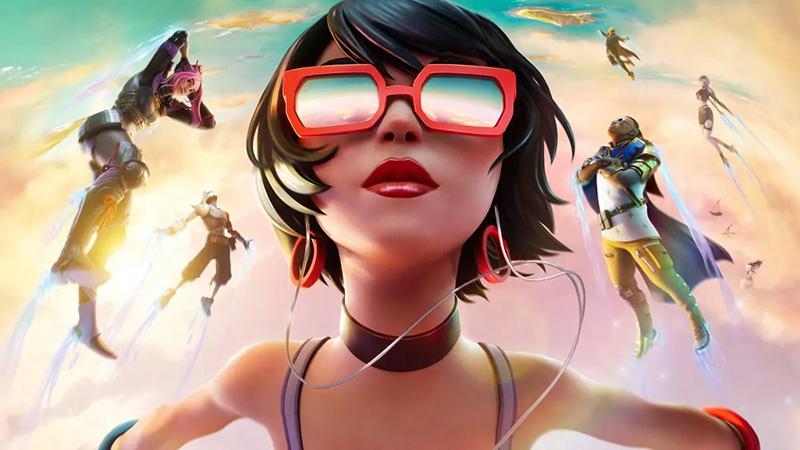
Fortnite, developed by Epic Games, has become a nationwide phenomenon, attracting a continuous influx of new players. Many gamers aim to achieve the best possible experience, and a crucial part of this is optimizing the graphics settings. This article will guide you through the steps to adjust your Fortnite graphics settings for optimal performance.
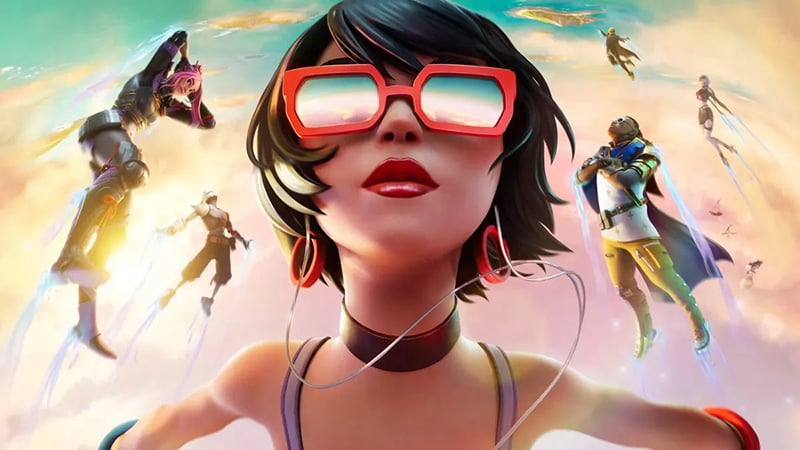
Adjusting Fortnite Graphics Settings
The primary goal of configuring your graphics settings is to enhance FPS (frames per second), which represents the number of frames you see per second. A higher FPS results in smoother gameplay. Our objective is to balance high FPS with improved graphics quality. To begin, enter the game and navigate to the character waiting screen. In the upper-right corner, you will find a menu icon with three horizontal lines. Click it, then select the gear icon to enter the settings menu, where you can adjust the video settings.
Window Mode
Choose between Fullscreen, Windowed Fullscreen, or Windowed mode based on your preference. For the best gaming quality, Fullscreen or Windowed Fullscreen is generally recommended.
Display Resolution
Set this according to your computer's desktop resolution, typically 1920x1080 with a 16:9 aspect ratio.
Frame Rate Limit
Select "Unlimited" to avoid capping your frame rate.
Quality Settings
Quality settings range from Low, Medium, High, Epic, to Auto. These settings affect the overall visual quality of the game. Players with high-end PCs can opt for Epic settings.
3D Resolution
Keep this at 100% for the best visual fidelity.
View Distance
Set this to the maximum to extend your visible range in the game. Even modest setups like an i5 CPU with a 750ti GPU can handle Epic view distance.
Shadows
Turn off shadows to improve visibility in dark areas like corners and under trees.
Anti-Aliasing
This setting smooths out jagged edges in the game. High-end PCs can handle Epic settings, while mid-range systems should balance between performance and quality.
Textures
Similar to anti-aliasing, increasing texture quality enhances visual details. Adjust this setting as high as your system can handle without compromising performance.
Effects
Fortnite's optimization allows for low effects settings without significantly impacting visuals.
Post Processing
Set this to Low to improve performance.
V-Sync
Disable V-Sync as it can reduce game smoothness in FPS games.
Motion Blur
Enable this for a smoother visual experience during fast movements.
Show FPS
Enable this to monitor your real-time frame rate, helping you fine-tune settings based on performance.
Even after adjusting these settings, you may encounter Fortnite issues related to network performance. High ping, packet loss, and unstable connections are common Fortnite issues that can disrupt your gameplay. Here’s how to address them.
Solving Fortnite Network Issues
To resolve network issues, the key is to reduce Fortnite ping. Among various solutions, I highly recommend using GearUP Booster. This game VPN uses multi-route technology to connect to global network nodes, dynamically testing Fortnite ping. If network issues arise, GearUP Booster seamlessly switches routes to ensure a stable connection, without interrupting your game. This game VPN has been proven effective across numerous games, earning high praise from users. If network problems are affecting your Fortnite experience, I strongly suggest downloading and trying GearUP Booster.
Conclusion
Optimizing your Fortnite graphics settings can significantly enhance your gaming experience. However, addressing network issues like Fortnite ping is equally crucial for smooth gameplay. Tools like GearUP Booster offer reliable solutions to maintain a stable and low-latency connection. By following these tips, you'll be well on your way to enjoying Fortnite to its fullest potential.
 Portuguese
 English
 Arabic
 French
 Spanish
 Deutsch
 Turkish
 Dutch
Dutch
 Italiano
 Russian
 Romaian
 Portuguese (Brazil)
 Greek
Greek