


Playing Cookie Run: Tower of Adventures on Mac with MuMuPlayer Pro: Keymapping Settings, Performance Optimization, Graphics Enhancement Guide

In CookieRun: Tower of Adventures, join GingerBrave and companions on their quest to protect Pancake Tower, navigating stages and earning gear to uncover the magical tower's mysteries.
With better graphics and performance, it's worth getting an immersive gaming experience on Mac. MuMuPlayer Pro is the best android emulator for playing CookieRun: Tower of Adventures on Mac, where you will enjoy a extraordinary playing experience. You can follow a few steps below to personalize and enhance your gaming experience after installing CookieRun: Tower of Adventures on Mac with MuMuPlayer Pro.
Setting Up Keymapping
One of the best parts and innovative features offered by MuMuPlayer Pro while playing CookieRun: Tower of Adventures on Mac is that you get access to the Keymapping Tool , a feature with which you can freely customize your controls using your keyboard and mouse.
CookieRun: Tower of Adventures is a game that demands a lot of movement and mechanics even when you play it on Mac. Therefore, you'll be able to enjoy much better movement and won't have to rely on default controls if you have access to the Keymapping Tool while playing CookieRun: Tower of Adventures on Mac. After entering the setting board, you'll notice that there are already default control schemes which were created by the team at MuMuPlayer Pro and cover most of the essential actions in the game, including running and jumping. In other words, you'll have most of what you need from the very beginning.
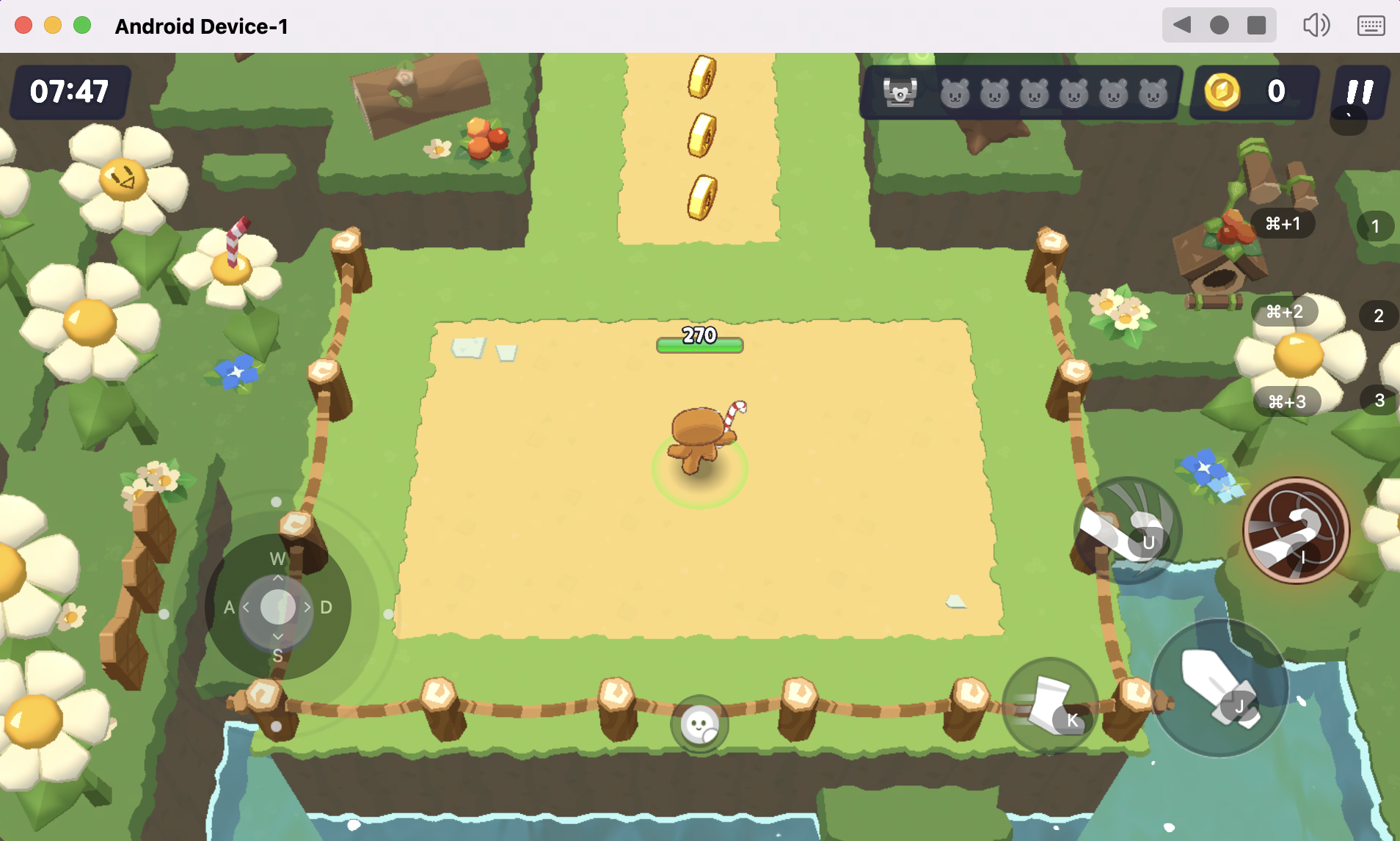
However, you could still select your key bindings and make your own by using MuMuPlayer Pro's keyboard mapping feature. You could customize these bindings by clicking on them, followed by pressing the key you'd like to replace them with. This allows you to have a customized setup for every game and completely supports every button on your keyboard and mouse.
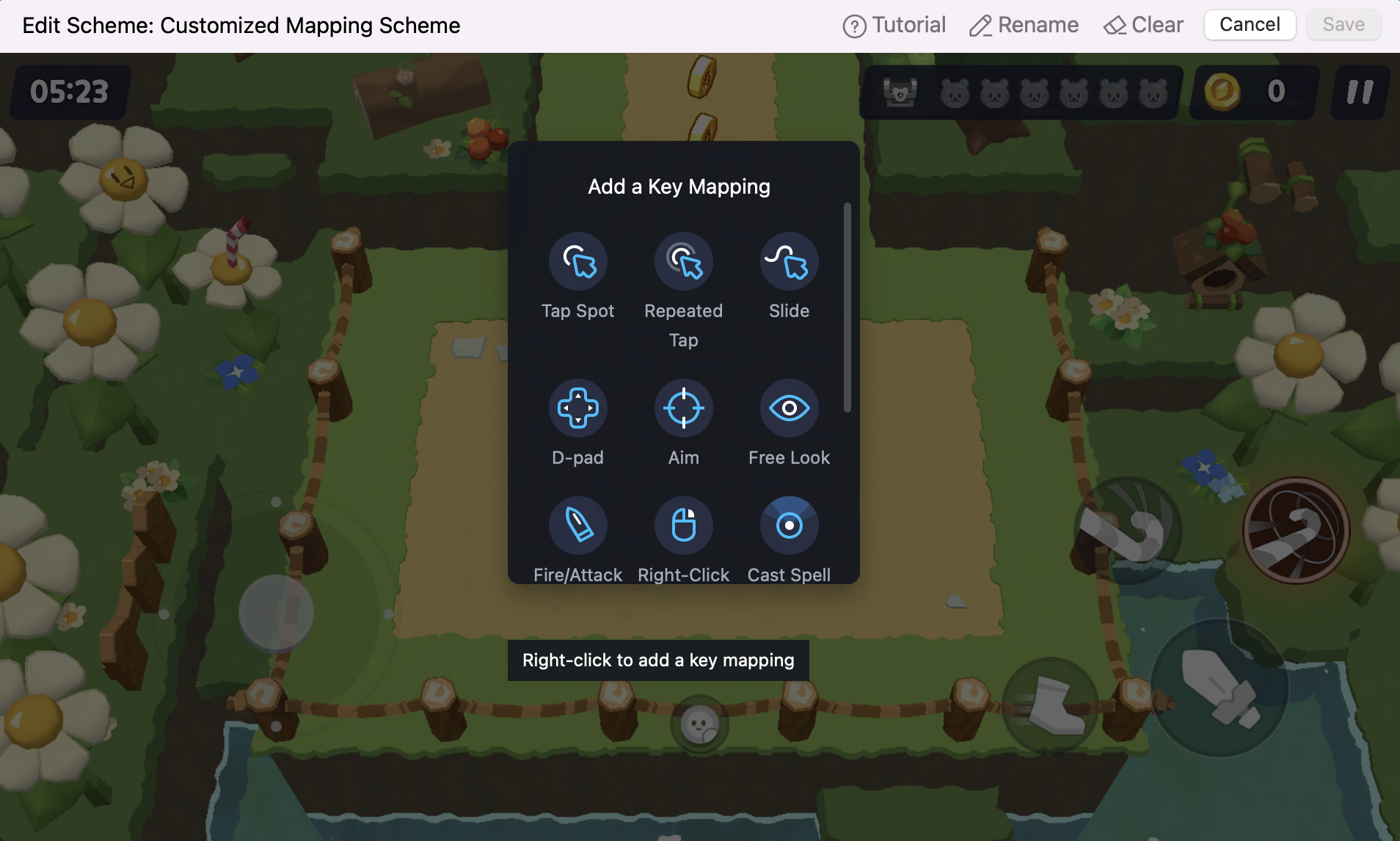
By properly configuring your controls, you can download CookieRun: Tower of Adventures right now on MuMuPlayer Pro for free and have a much easier time when running around and exploring in CookieRun: Tower of Adventures on Mac.
Customizing Device Performance
Click on the top menu bar of [MuMu Android Device - Settings for"Android Device"] to adjust the performance settings to the best.
You can adjust your performance profile to "Energy Saving", "Balanced", "High Performance" according to the performance required by the game. Or you can customize your CPU and memory.
In general, you can use "Balanced". If the game running requirements are not high and you want to reduce the running occupancy, you can use "Energy Saving". If the game running requirements are relatively high, you can try to adjust it to "High Performance".
Enabling Graphics Enhanacement
Click here to see how to enable graphics enhanacement .
If you still come across other problems when you play XXX on Mac with MuMuPlayer Pro, please see more tutorials and FAQs in our website!
【About MuMuPlayerPro】
MuMuPlayer Pro is a Mac-compatible Android emulator specifically designed for mobile gamers, tailored for macOS and is the first to adapt to the Apple Silicon Mac. It allows users to experience mainstream mobile games and applications on a large screen on Mac, providing a smooth gaming experience of up to 240 frames per second. Its diverse functions, such as multi-instance operation and intelligent keyboard and mouse controls, cater to various gaming needs, making gaming effortlessly enjoyable.
Official Website: https://mumuplayer.com/mac/
Official Discord: https://discord.gg/avNd7qBPPW
 Deutsch
 English
 Arabic
 French
 Spanish
 Portuguese
 Turkish
 Dutch
Dutch
 Italiano
 Russian
 Romaian
 Portuguese (Brazil)
 Greek
Greek