


Mobile Photo Editing with Pixellab – Create Stunning Designs on Your Phone
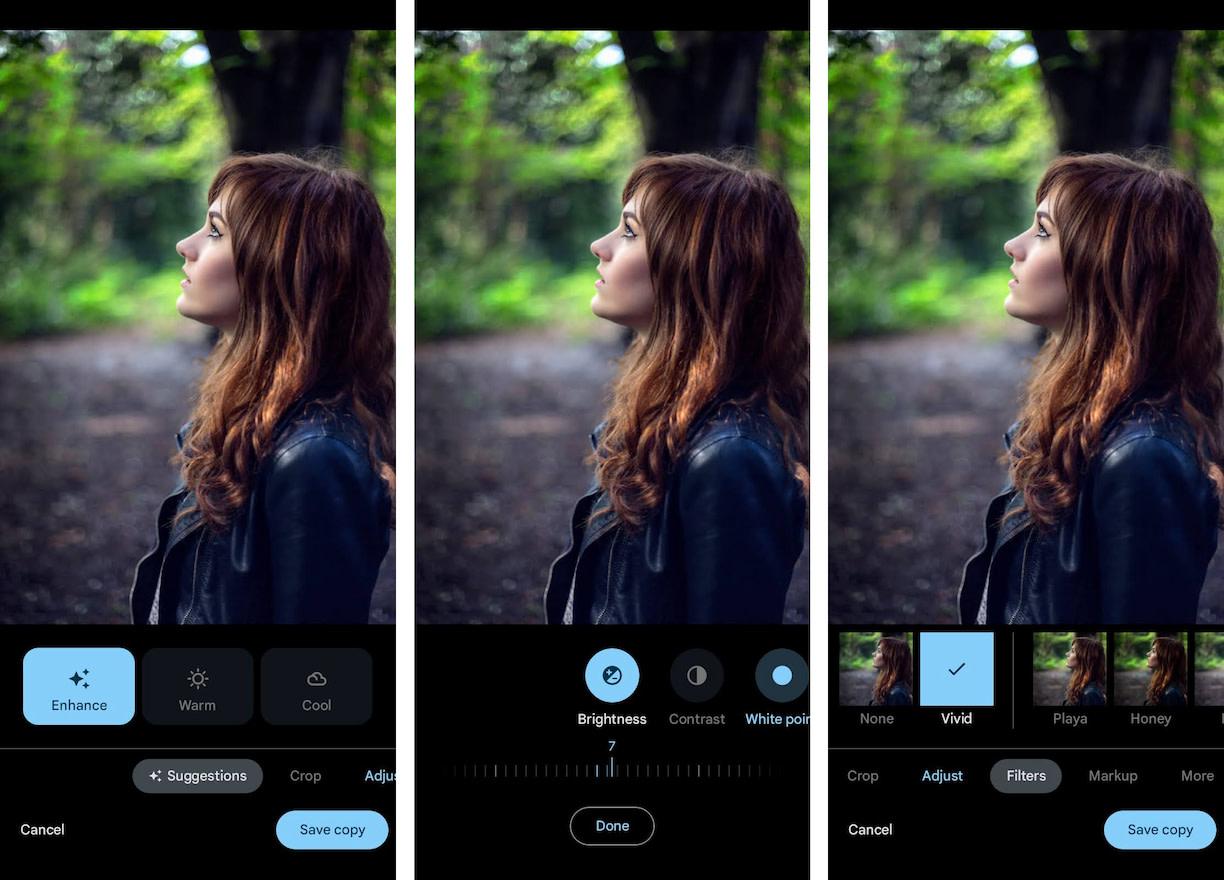
Mobile Photo Editing with Pixellab: A Complete Guide
Photo editing doesn’t need expensive software or a computer anymore. With mobile photo editing with Pixellab, you can create professional-level designs right from your phone. From YouTube thumbnails and Instagram posts to logos and posters, Pixellab gives you powerful editing tools in a lightweight app.
Why Choose Pixellab for Mobile Editing?
There are dozens of editing apps out there, but Pixellab stands out because of its:
-
Simple Interface – Easy for beginners yet advanced enough for pros.
-
Text Customization – Add stylish fonts, 3D effects, shadows, and strokes.
-
Creative Freedom – Work with stickers, shapes, and transparent backgrounds.
-
Offline Editing – Perfect for creators on the go.
Key Features for Mobile Photo Editing with Pixellab
🔹 Unlimited Font Options
Choose from hundreds of stylish fonts to make your text stand out.
🔹 3D Text & Advanced Effects
Create depth with shadows, emboss, and gradients.
🔹 Logo & Poster Design
Perfect for small businesses, freelancers, and students who need fast, clean designs.
🔹 Stickers & Custom Shapes
Add icons, emojis, and unique shapes to make designs more engaging.
🔹 High-Resolution Export
Save your designs in HD without compromising quality.
How to Use Pixellab Effectively on Mobile
Here’s a simple workflow for better results:
-
Start with a Clear Canvas – Choose transparent or solid backgrounds.
-
Add Text Layers – Pick bold fonts and adjust size, color, and spacing.
-
Use Contrast Colors – Make your text pop against the background.
-
Experiment with Stickers – Add extra creativity to your projects.
-
Export in PNG/JPG – For professional results, use PNG for logos and JPG for social posts.
Practical Uses of Pixellab on Mobile
-
YouTubers → Eye-catching thumbnails.
-
Instagram Creators → Stylish posts and stories.
-
Businesses → Posters, ads, and flyers.
-
Students → Creative presentations and assignments.
Pro Tips for Mobile Editing with Pixellab
-
Stick to two fonts per design for a clean look.
-
Use PNG exports for logos or transparent backgrounds.
-
Try 3D text + shadow for engaging titles.
-
Keep your designs minimal—less clutter, more impact.
Is Pixellab Safe for Mobile Photo Editing?
Yes. Pixellab is lightweight, safe, and doesn’t require risky permissions. It works offline, so your data remains secure.
Conclusion
Mobile photo editing with Pixellab makes professional design accessible to everyone. Whether you’re a content creator, student, or small business owner, this app gives you powerful tools to craft high-quality graphics without a computer.
Download Pixellab today, experiment with its features, and transform your photos into stunning designs!
FAQs About Mobile Photo Editing with Pixellab
Q1. Can I use Pixellab offline?
Yes, most features work without the internet.
Q2. Does Pixellab support transparent backgrounds?
Yes, you can export logos and PNGs with no background.
Q3. Can Pixellab replace Photoshop?
For mobile editing, yes—it covers most basic and advanced design needs.
Q4. Is Pixellab free to use?
Yes, it’s free, but you can also explore mod versions for unlocked features.
Q5. What type of files can I export?
You can save projects in JPG and PNG formats with HD quality.
 Portuguese (Brazil)
 English
 Arabic
 French
 Spanish
 Portuguese
 Deutsch
 Turkish
 Dutch
Dutch
 Italiano
 Russian
 Romaian
 Greek
Greek