


GTA 5 Map Editor Mod Explained: Build and Customize Your World
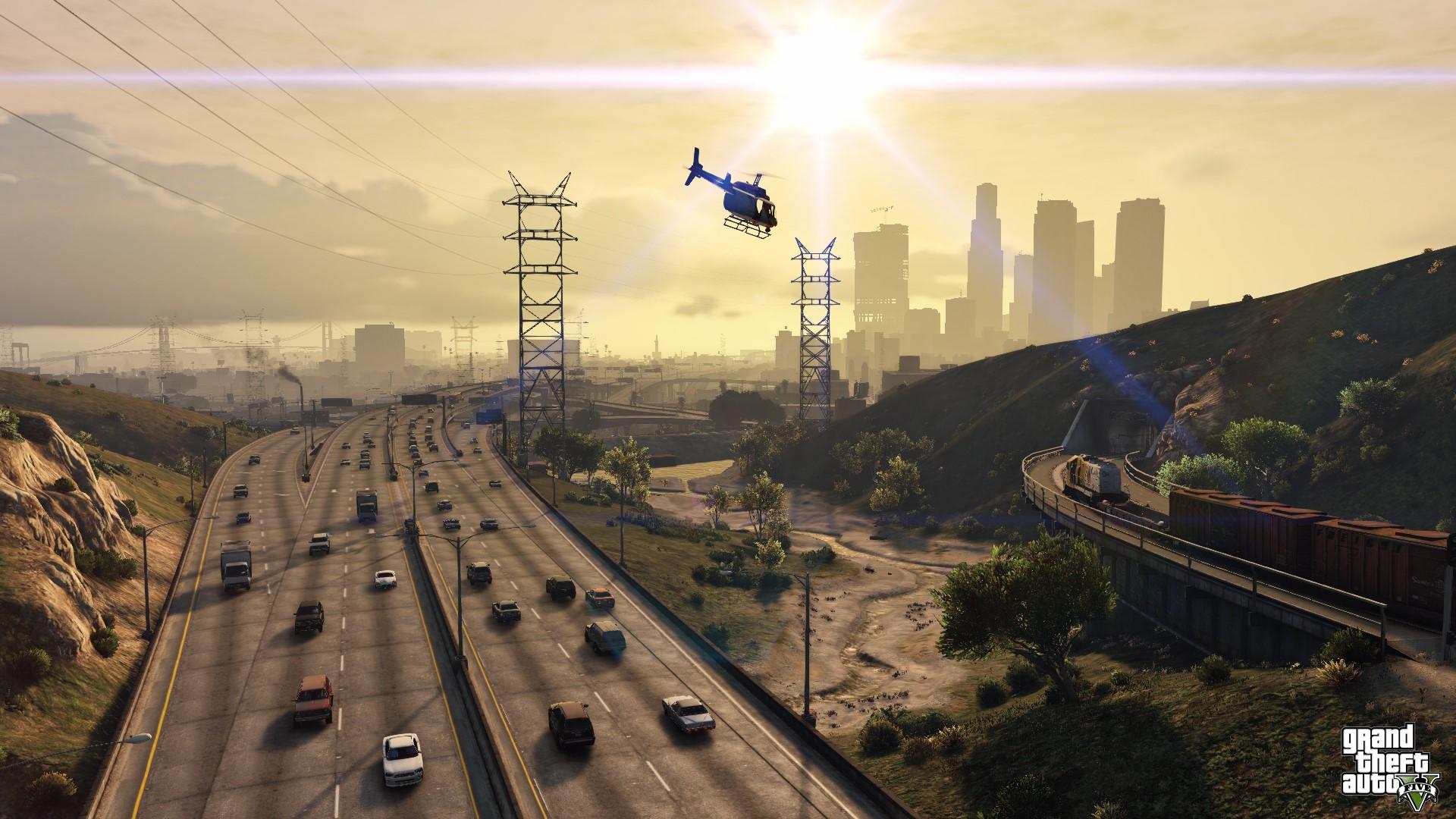
The Map Editor Mod for Grand Theft Auto V gives players the freedom to place and arrange a wide variety of objects in the game world, going far beyond what the base game allows. While it doesn't actually change the structure of the original GTA V map, it lets you spawn vehicles, pedestrians, ramps, props, and markers, making it possible to set up custom scenes or invent new types of gameplay. Fans of older GTA titles may find it familiar, as it works in the same spirit as the map editors made for San Andreas GTA 5 Modded Accounts.
One of its strongest features is the free camera navigation system, which allows you to fly around the map while building. Objects can be previewed before being dropped in, rotated, or shifted with simple keyboard and mouse inputs, and adjusted vertically to fit into more complex designs. The editor's menu, opened with a quick hotkey (usually F7), keeps everything organized into categories such as vehicles, pedestrians, and objects. You can also save and load maps in XML format, making it easy to share your work or reuse it later.
Controls are straightforward and easy to learn. Basic movement uses W-A-S-D (or a controller's stick), while Q and E move objects up or down. The mouse handles rotation and selection, and holding Shift or Alt lets you speed up or slow down your adjustments for finer control. These options make it possible to create very detailed setups without feeling clunky or slow.
Installing the mod isn't difficult, though it does require Script Hook V and Script Hook V .NET to run properly. Once those are in place, the Map Editor files are simply dropped into the GTA V directory, usually into a “scripts” folder. From there, pressing the hotkey in-game activates the editor, and you can start building right away. Regular updates from the developer have kept the tool stable and compatible with the latest versions of the game.
Players use the Map Editor Mod for much more than dropping a few props around. It's often used to design custom missions, build entirely new locations, or experiment with gameplay concepts. In multiplayer setups, it can also support collaborative work, letting multiple creators contribute to the same environment. This makes it a powerful tool for both personal creativity and community projects.
Overall, the Map Editor Mod is an accessible yet feature-rich tool that allows GTA V players to extend and reshape the game world however they like cheap GTA 5 Accounts. With its user-friendly controls, ability to save and share maps, and ongoing support from its creator, it has become a must-have for anyone interested in modding or creating custom content in GTA V.
 Turkish
 English
 Arabic
 French
 Spanish
 Portuguese
 Deutsch
 Dutch
Dutch
 Italiano
 Russian
 Romaian
 Portuguese (Brazil)
 Greek
Greek