


How to Turn Off Active Status on Instagram on Android, iPhone & Desktop?
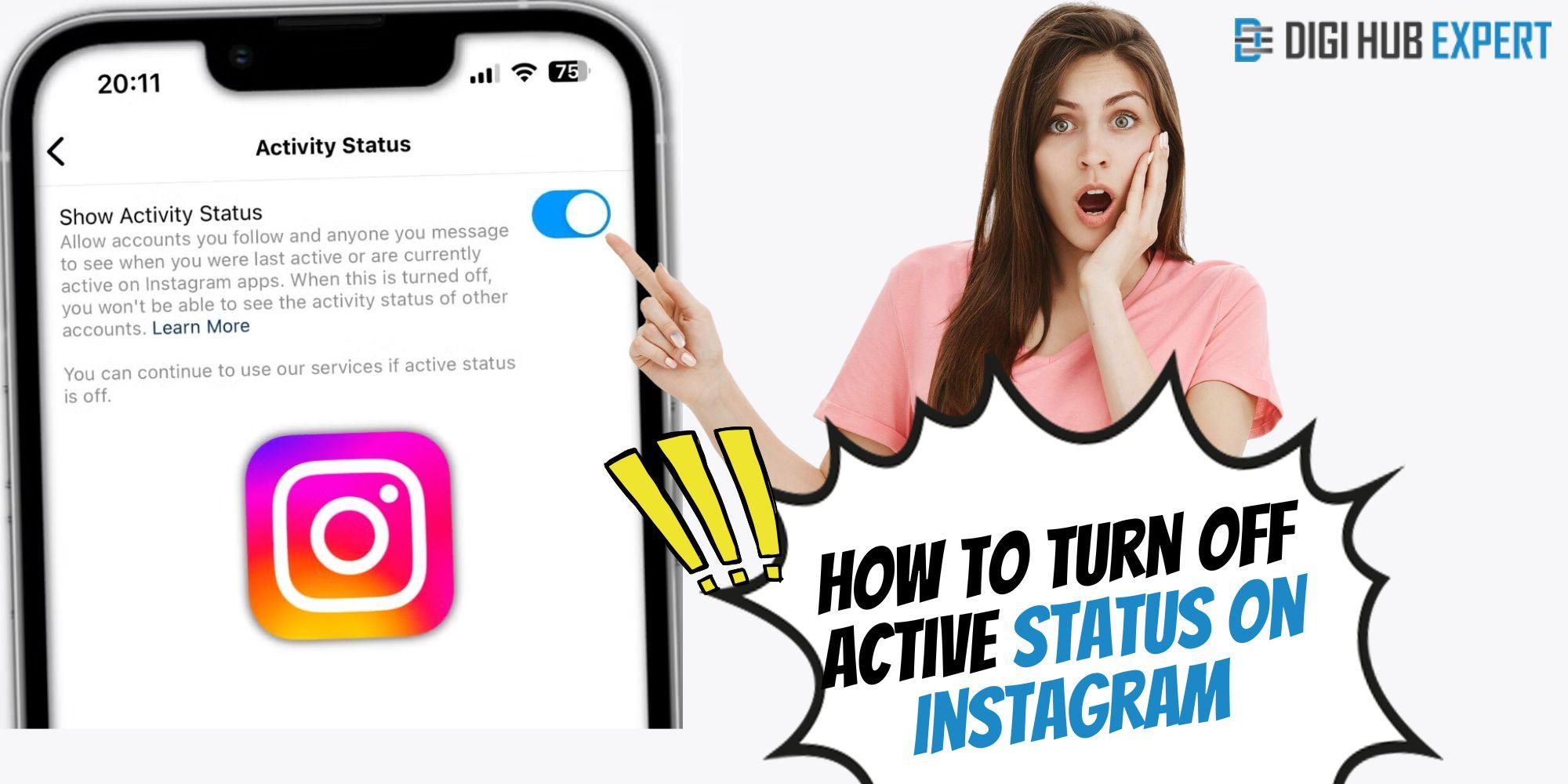
Do you have curiosity why there is a green dot beside the user name of our followers? Basically, a green dot means that the other person is online or that they were last active five minutes ago. However, there is a catch: not everyone is fine that they are showing their online status to everyone. So, what to do in this scenario? How to turn off active status on Instagram?
To know all your answers, check out this detailed guide.
How to See Who Is Active on Instagram?
There are three ways through which you can get an idea of who is active or not on your Instagram.
-
Profile Photos,
-
Chat Header, and
-
Chat List
What you need to do is just open your message section and see the total number of members who are active, which is indicated through their profile pictures along with the green dot.
How to Turn Off Active Status on Instagram?
Learn the following steps to be in a position to go through the steps systematically in order to solve your query.
1. For Android or iPhone:
-
Open Instagram on iOS or Android.
-
Here, you need to pick your profile picture.
-
Moving ahead, tap on the three-hamburger menu.
-
In the following step, choose Settings.
-
You need to pick the Privacy option.
-
Further, select Activity Status.
-
In the last step, you need to toggle Show When You’re Active Together or Show Activity Status to the “Off” status.
2. On your Desktop:
After performing the steps on your Android or iPhone, we are proceeding further with the desktop section.
-
Open Instagram on any default browser.
-
Go to your profile picture and click on it.
-
Tap Gear icon or Settings.
-
Pick Privacy and security.
-
Here, you need to search for Activity status.
-
After finding it, unmark the checkbox of Show activity status.
Frequently Asked Questions
Q1. Can I appear offline on Instagram?
Ans. Definitely! Users who want to show themselves as offline users can easily do so on Instagram. They just need to remember one thing: in Settings, slide the toggle towards the left side. That’s it!
Q2. Can you hide your active status on Instagram from one person?
Ans. NO! Unfortunately, it is not possible for you to turn off the activity status of one person on your Instagram account.
Wrapping Up!
In this quick guide, we have provided you with each and everything on how to turn off active status on Instagram. We hope that all your doubts have been resolved. But still, if you have any queries, check out our comprehensive guide.
 Spanish
 English
 Arabic
 French
 Portuguese
 Deutsch
 Turkish
 Dutch
Dutch
 Italiano
 Russian
 Romaian
 Portuguese (Brazil)
 Greek
Greek